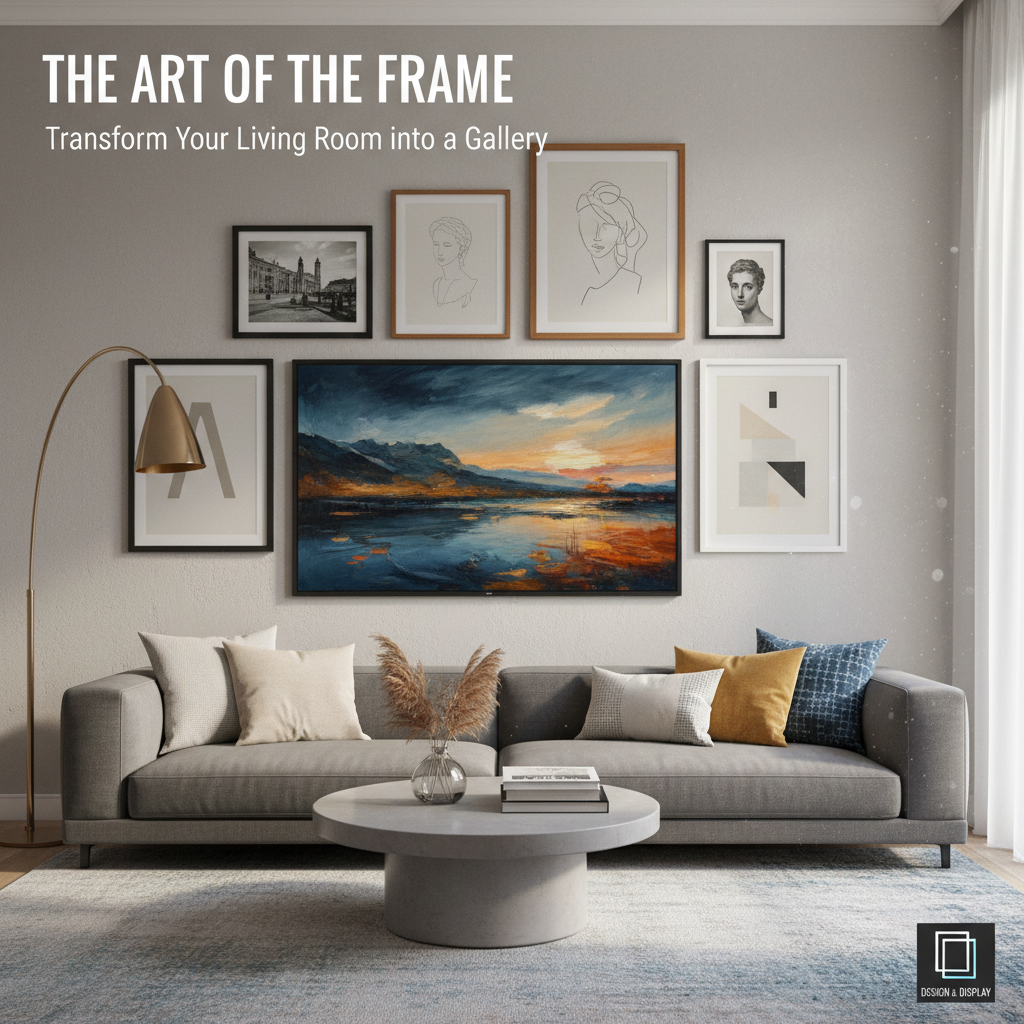

The Samsung Frame is built to look like art on the wall — but the install only looks clean if the One Connect cable is routed correctly. The Invisible Connection cable is slim, can be run up to 49 feet (15 meters), and must be handled carefully to avoid sharp bends that damage the internal fiber line.
This guide walks through exactly how professional installers route the cable, hide the One Connect Box, and avoid the most common mistakes — including the special considerations for fireplace mounts.
What Is the Samsung One Connect Box?
The One Connect Box is what makes a Frame install fundamentally different from a standard TV. Instead of plugging your cable box, Apple TV, soundbar, and game console directly into the back of the screen, every device connects to the One Connect Box. A single slim Invisible Connection cable then runs from the box to the TV.
That single-cable design is what allows the Frame to sit flush against the wall with no visible wiring — and it's what makes hidden in-wall, in-cabinet, or in-closet installs possible.
Best Samsung Frame Cable Routing Options
There are four routing methods we use in the field, in order of how clean the finished look is:
- In-wall routing — the cleanest. The Invisible Connection cable runs through the wall cavity from the TV to the One Connect Box location.
- Through a media cabinet — the cable drops behind the TV, runs in-wall to a low-voltage bracket inside or behind the cabinet, and the box lives there with all the source devices.
- To a closet or adjacent room — for builds where you want zero equipment in the room. Requires longer cable and careful path planning.
- Surface raceway — fastest and least invasive. A paintable raceway hides the cable along the wall or baseboard when in-wall routing isn't possible (renters, masonry walls, finished basements).
Samsung sells in-wall-rated One Connect cables in 5m and 15m lengths specifically for concealed installs. Standard cables that ship with the TV are not rated for in-wall use and should not be buried inside a wall.
How Far Can the One Connect Box Be From the TV?
The maximum supported run is 49 feet (15 meters) using the longest in-wall-rated Invisible Connection cable. That's enough to reach a media closet, an adjacent room, or a structured-wiring panel in most homes.
Always measure the actual path the cable will travel — not the straight-line distance. A cable going up the wall, across a ceiling, and back down to a closet can easily eat 20+ feet before you account for service loops at each end.
Before You Mount the TV
Mount the TV and confirm its final position before connecting the One Connect cable. Samsung's setup instructions are explicit on this — the cable should be connected only after the TV is in its final mounted location, and the connectors must be fully seated before power is applied.
Step-by-Step Routing Guide
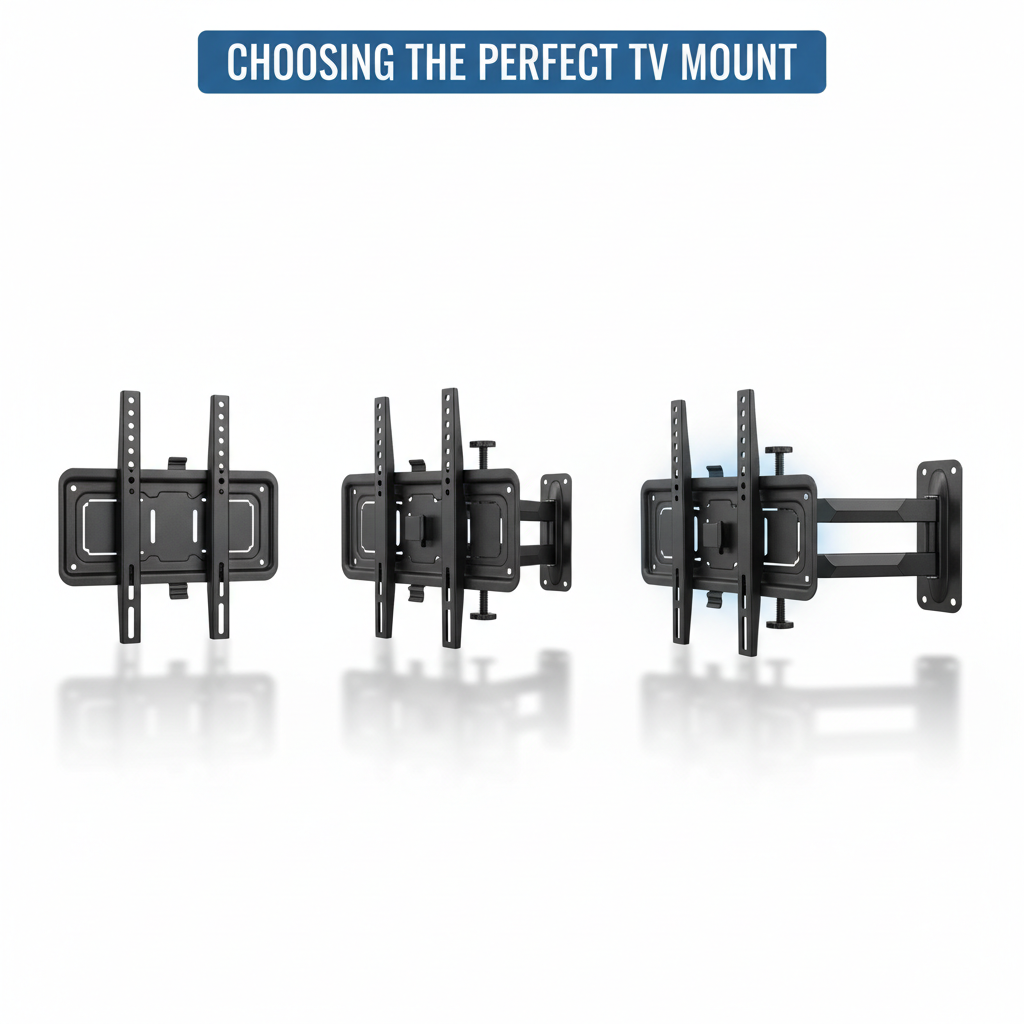
- Mount the TV on a flush no-gap or slim-fit bracket designed for the Frame.
- Choose the box location — cabinet, closet, structured media panel, or adjacent room.
- Plan the cable path and measure the full run, adding 18–24 inches of slack at each end.
- Cut low-voltage brackets behind the TV and at the box location.
- Feed the in-wall-rated cable through the wall using fish tape. Never force it around tight corners.
- Connect the thick end to the TV, fully seating the connector.
- Connect the thin end to the One Connect Box.
- Plug in power last, then power on and verify the picture before closing up the wall.
How to Hide the One Connect Box in a Wall or Closet
Popular concealment locations:
- Inside a media cabinet beside or below the TV with all source devices.
- Structured wiring panel in a utility closet — best for new construction.
- Adjacent closet or pantry on the back side of the TV wall.
- Crawlspace or basement directly below the TV — requires power at the box location.
The box needs ventilation and IR line-of-sight (or an IR repeater) so the remote still controls source devices. Don't seal it inside a sealed wall cavity.
How to Avoid Damaging the One Connect Cable
The Invisible Connection cable carries data over a fiber-optic line. Fiber doesn't tolerate sharp bends. Common mistakes that kill cables on the job:
- Sharp 90° bends at corners — always sweep the cable in a gentle arc.
- Pinching behind the mount when the TV is pushed flush to the wall.
- Forcing the wrong end into the wrong port — the thick end goes to the TV, the thin end goes to the box.
- Buying a cable that's too short — measure the real path and add slack.
- Pulling on the cable instead of the connector when seating it.
If the picture flickers, drops out, or shows artifacts after install, the cable is almost always the cause — usually a kink behind the TV or a partially seated connector.
Best Routing Tips for Fireplace Mounts
Fireplace installs are where Frame routing gets interesting. The mantel or firebox often sits where you'd normally drop the cable, so the path has to go around the obstruction. Our approach for fireplace TV mounts:
- Route the cable up and over the mantel through the wall cavity, never behind the firebox itself.
- Place the One Connect Box in an adjacent room or cabinet away from heat — never above the firebox.
- Use a 15m in-wall-rated cable to give yourself room to navigate around studs and the chimney chase.
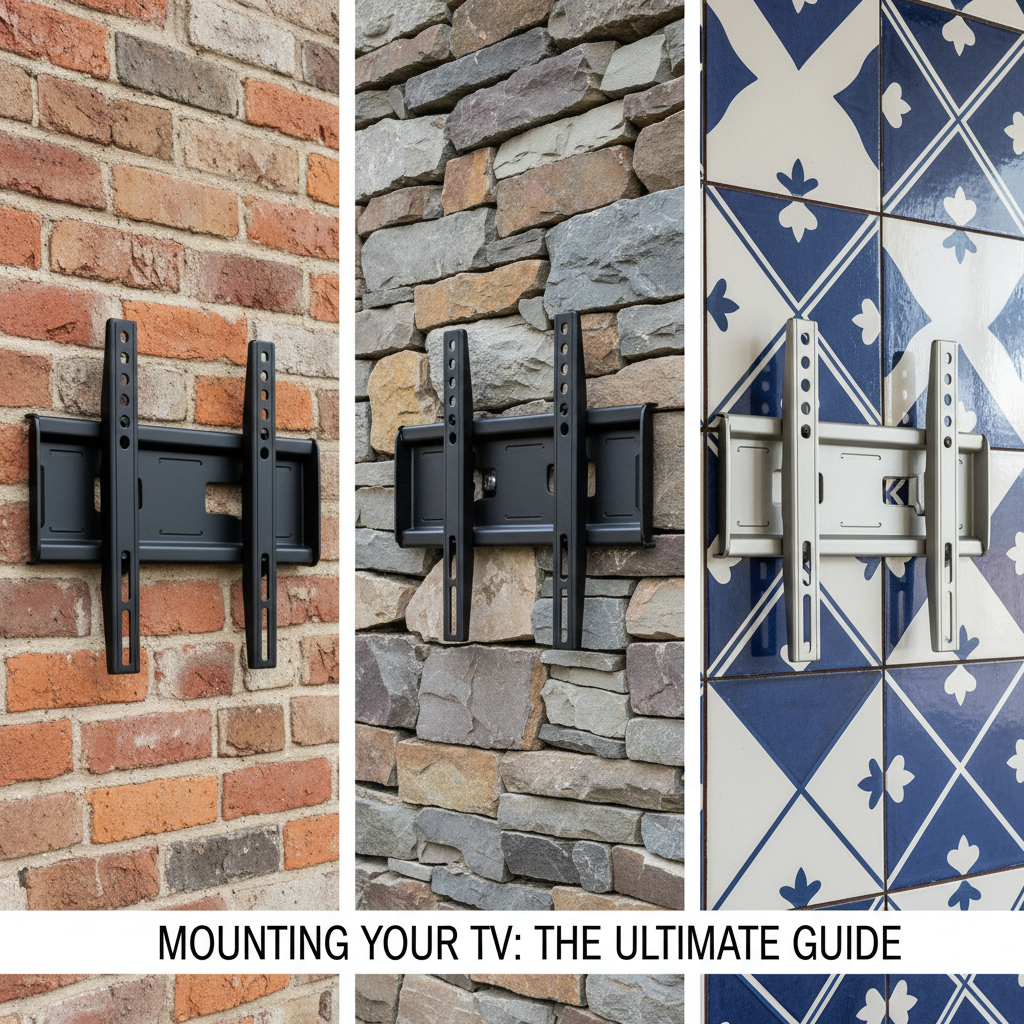
- For brick or stone faces, route the cable in-wall above the masonry and use a low-voltage bracket where the wall transitions to drywall.
- Pair with a MantelMount pull-down when the TV needs to drop to ergonomic viewing height.
In-Wall vs Surface Routing
In-wall is the cleanest finish. Best for new construction, remodels, or any drywall install where you can cut low-voltage brackets behind the TV and at the box location. Use only Samsung's in-wall-rated Invisible Connection cable and follow local electrical code (low-voltage cable can share a wall cavity with romex but not the same bracket).
Surface raceway is faster and works on walls you can't open — masonry, plaster, rentals, or finished basements with no attic access. A paintable raceway run from the TV down to the cabinet hides the cable in seconds. The look is 90% as clean as in-wall and the install is hours instead of a half-day.
Samsung Frame One Connect Routing FAQ
How do you hide the Samsung Frame One Connect cable?
Run the in-wall-rated Invisible Connection cable through the wall cavity from a low-voltage bracket behind the TV to a second bracket at the One Connect Box location. For walls you can't open, use a paintable surface raceway instead.
Can the Samsung Frame One Connect Box be placed in another room?
Yes. The 15m (49 ft) in-wall-rated cable is long enough to reach a closet, structured-wiring panel, or adjacent room as long as the cable path stays under 49 feet and avoids sharp bends.
How long is the Samsung Frame One Connect cable?
The standard cable that ships with the Frame is 5m (about 16 feet). Samsung sells in-wall-rated versions in 5m and 15m (49 ft) lengths for concealed installs.
Can the One Connect cable go inside the wall?
Only the in-wall-rated version. The standard cable that ships with the TV is not rated for in-wall use. Use the Samsung VG-SOCM15U (15m) or VG-SOCR86U (5m) for hidden installs.
Why should the One Connect cable not be bent sharply?
The cable carries data over a fiber-optic line, which fractures under tight bends. A sharp 90° corner or a pinch behind the TV mount can cause picture dropouts, flicker, or total signal loss.
Does the Samsung Frame come with the One Connect Box?
Yes. The One Connect Box and a standard 5m Invisible Connection cable are included with every Frame TV. The longer in-wall-rated cables are sold separately.
What is the best way to route the cable for a fireplace mount?
Route the cable up and over the mantel through the wall cavity — never behind the firebox. Place the One Connect Box in an adjacent room or cabinet away from heat, and use the 15m in-wall-rated cable for the extra reach.
Get a Professional Samsung Frame Install in Metro Atlanta
We specialize in Samsung Frame installations across Metro Atlanta — flush no-gap mounting, in-wall One Connect cable routing, and One Connect Box concealment in cabinets, closets, or adjacent rooms. Every install includes the in-wall-rated cable when needed and a full picture-quality verification before we leave.
Need a clean Samsung Frame installation with hidden wiring? Call (678) 870-8890 or request a free quote.